Test Reporting
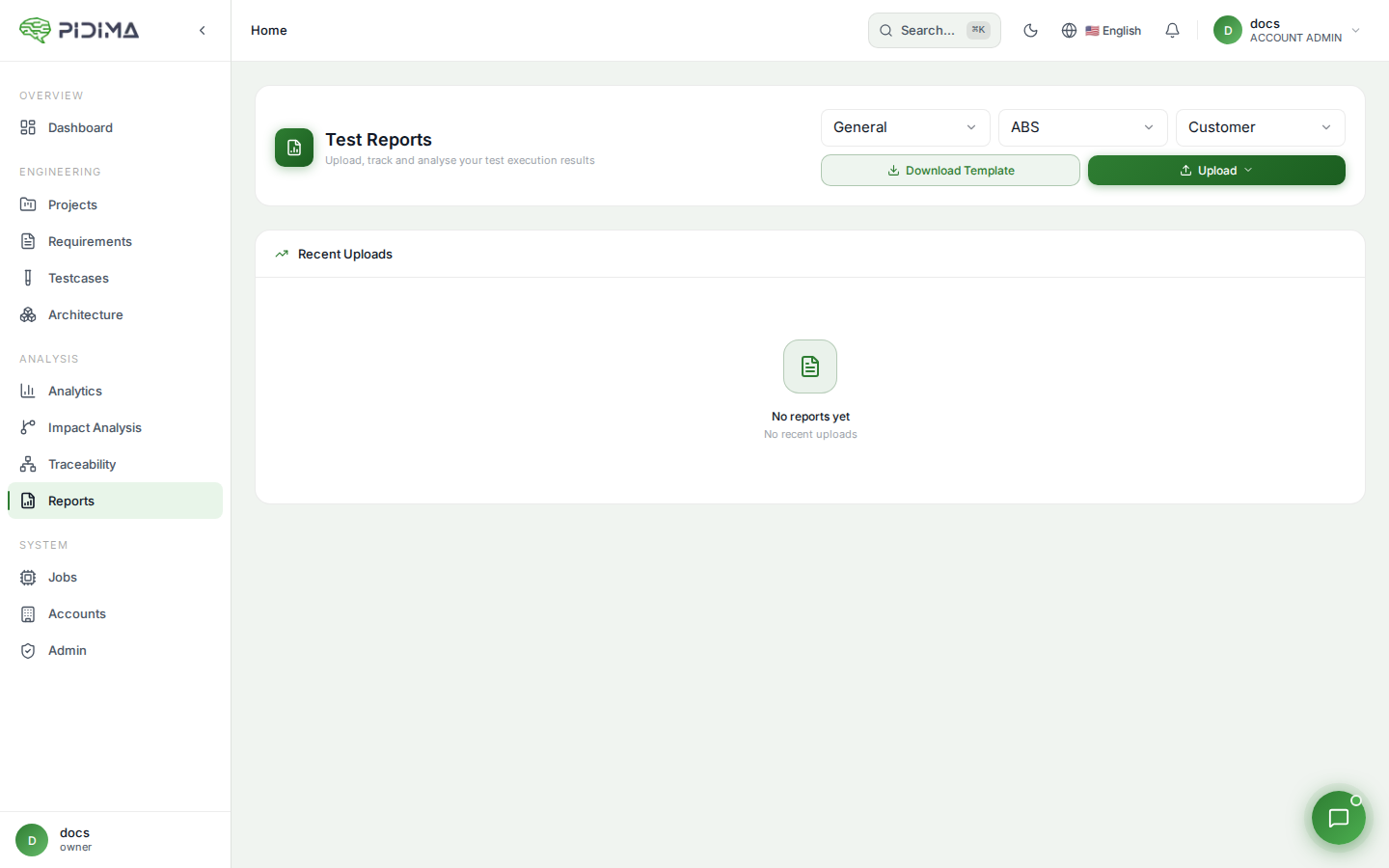
Pidima supports uploading and managing test execution reports, giving you a centralized view of test results alongside your requirements and test case definitions.
Overview
Test Reporting allows you to:
- Upload test execution results from Excel (XLSX/XLS) or CSV files
- View report summaries per project
- Download original report files
- Track test execution history over time
Uploading a Test Report
- Navigate to Reports from the sidebar
- Click Upload Report
- Select your report file (supported formats:
.xlsx,.xls,.csv) - The file is uploaded and processed — Pidima extracts test results and maps them to existing test cases where possible
Supported File Formats
| Format | Description |
|---|---|
| XLSX | Microsoft Excel (recommended) |
| XLS | Legacy Excel format |
| CSV | Comma-separated values |
Viewing Reports
Project Reports List
Navigate to Reports to see all uploaded reports for the current project:
- Report name — Derived from the uploaded file name
- Upload date — When the report was uploaded
- Summary — Pass/fail/skip counts at a glance
Report Details
Click on a report to view its full details:
- Test case results — Individual pass/fail/skip status per test case
- Execution metadata — Timestamps, environment info (if included in the file)
- Traceability — Links to the corresponding Pidima test case definitions
Downloading Reports
To download the original uploaded file:
- Navigate to the report in the reports list
- Click the Download button
- The original file is downloaded in its original format
Deleting Reports
- Navigate to the report you want to remove
- Click Delete
- Confirm the deletion
Deleting a report removes the report record and its uploaded file. It does not affect the underlying test case definitions.
Best Practices
- Upload regularly — Upload test reports after each test execution cycle to maintain a history of results
- Use consistent naming — Name your test cases consistently between Pidima and your test execution tool for accurate mapping
- Review before milestones — Check report summaries before compliance reviews to ensure adequate test coverage and pass rates