Unified Search
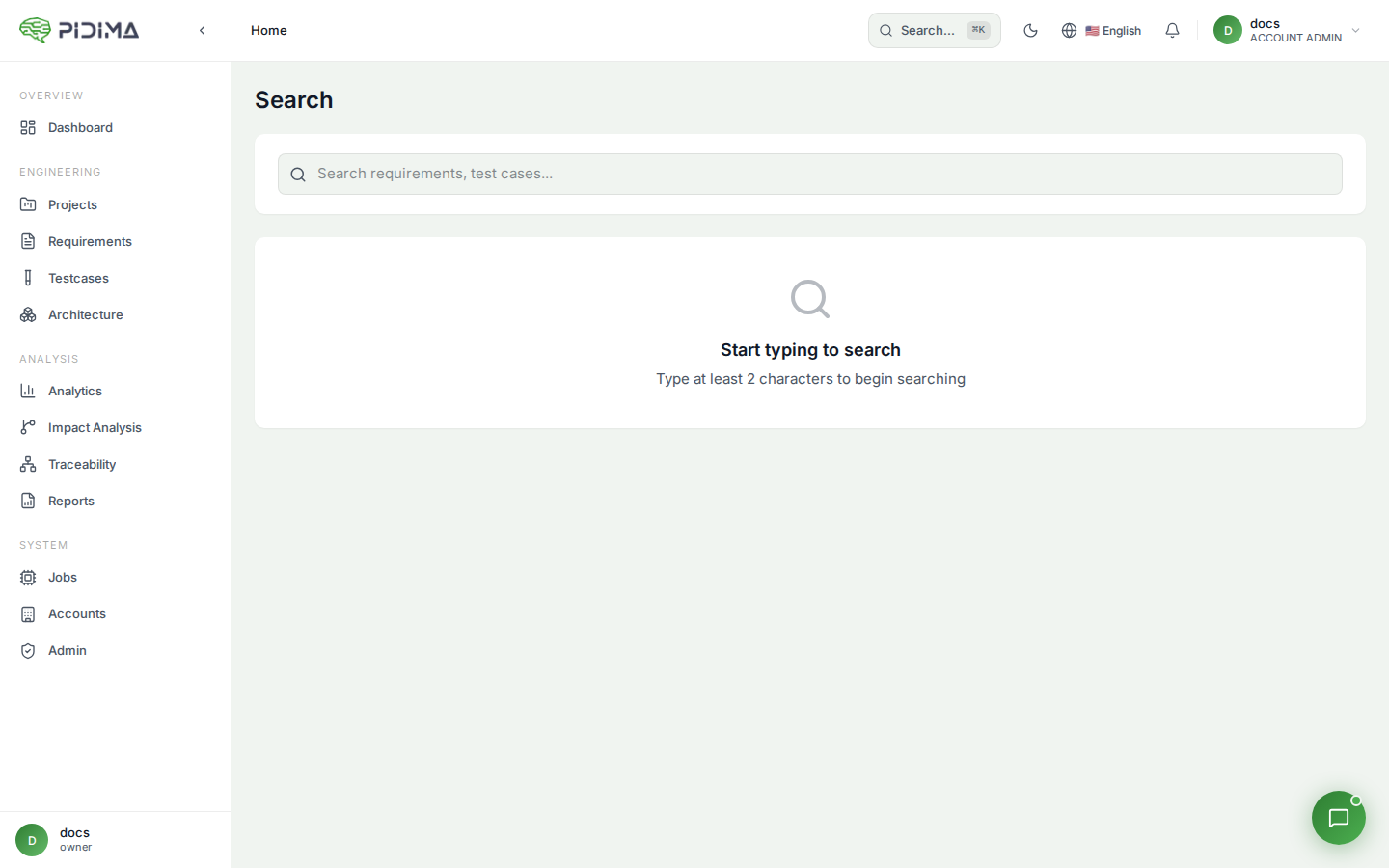
Pidima provides a unified search engine that lets you find any artifact across your entire workspace from a single search bar.
Overview
The unified search queries across all entity types simultaneously:
- Requirements
- Test Cases
- Architecture Diagrams
- Documents
- Projects
Results are returned grouped by type with relevance ranking, so you can quickly locate any artifact regardless of where it lives in your project hierarchy.
Using Search
- Click the Search icon in the top navigation bar (or use the keyboard shortcut)
- Type your search query
- Results appear grouped by artifact type
- Click any result to navigate directly to that artifact's detail page
Search Capabilities
Full-Text Search
Search matches against:
- Requirements — Name, description, custom attributes
- Test Cases — Name, description, steps, expected outcomes
- Architecture — Name, description, PlantUML code
- Documents — File name, extracted text content
Filtering Results
After searching, you can narrow results by:
- Entity type — Show only requirements, test cases, etc.
- Project — Limit to a specific project
- Level — Limit to a specific level within a project
Search Results Page
The dedicated search results page (/search-results) displays:
- Total match count per entity type
- Paginated results with highlighted matching text
- Quick-action buttons (view, edit) on each result
- Breadcrumb showing the project/level path for each result
Tips for Effective Search
- Use specific terms — Search for unique identifiers (e.g., requirement IDs like
REQ-001) for exact matches - Use keywords — Search for domain-specific terms to find related artifacts across types
- Combine with filters — Use type filters to reduce noise when searching common terms
- Search descriptions — The search indexes full descriptions, so you can find requirements by their content, not just their names