Exporting Testcases
Overview
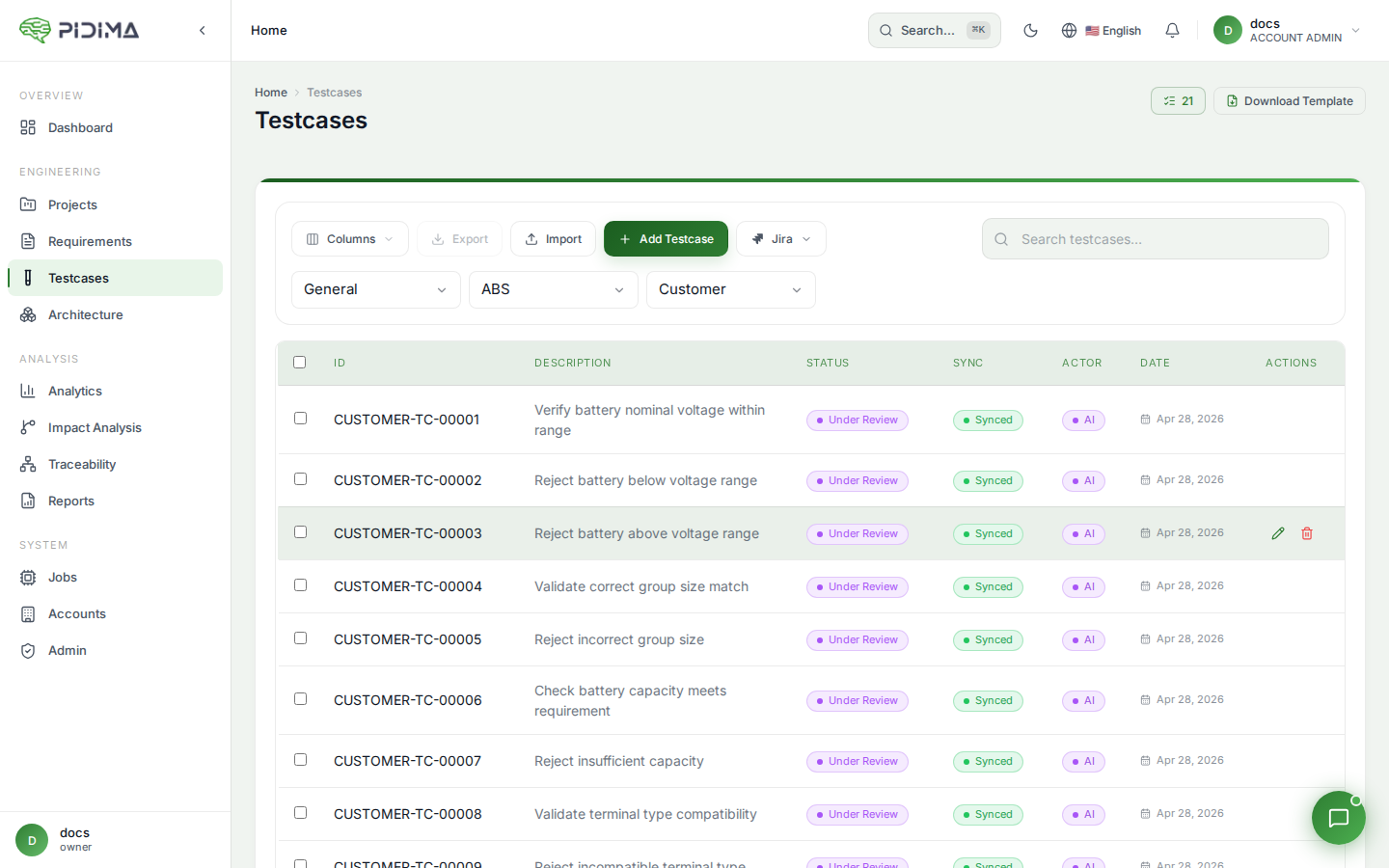
Pidima's Export Testcases feature enables users to download comprehensive testcase documentation in Excel or PDF formats, supporting various use cases from offline review to compliance reporting.
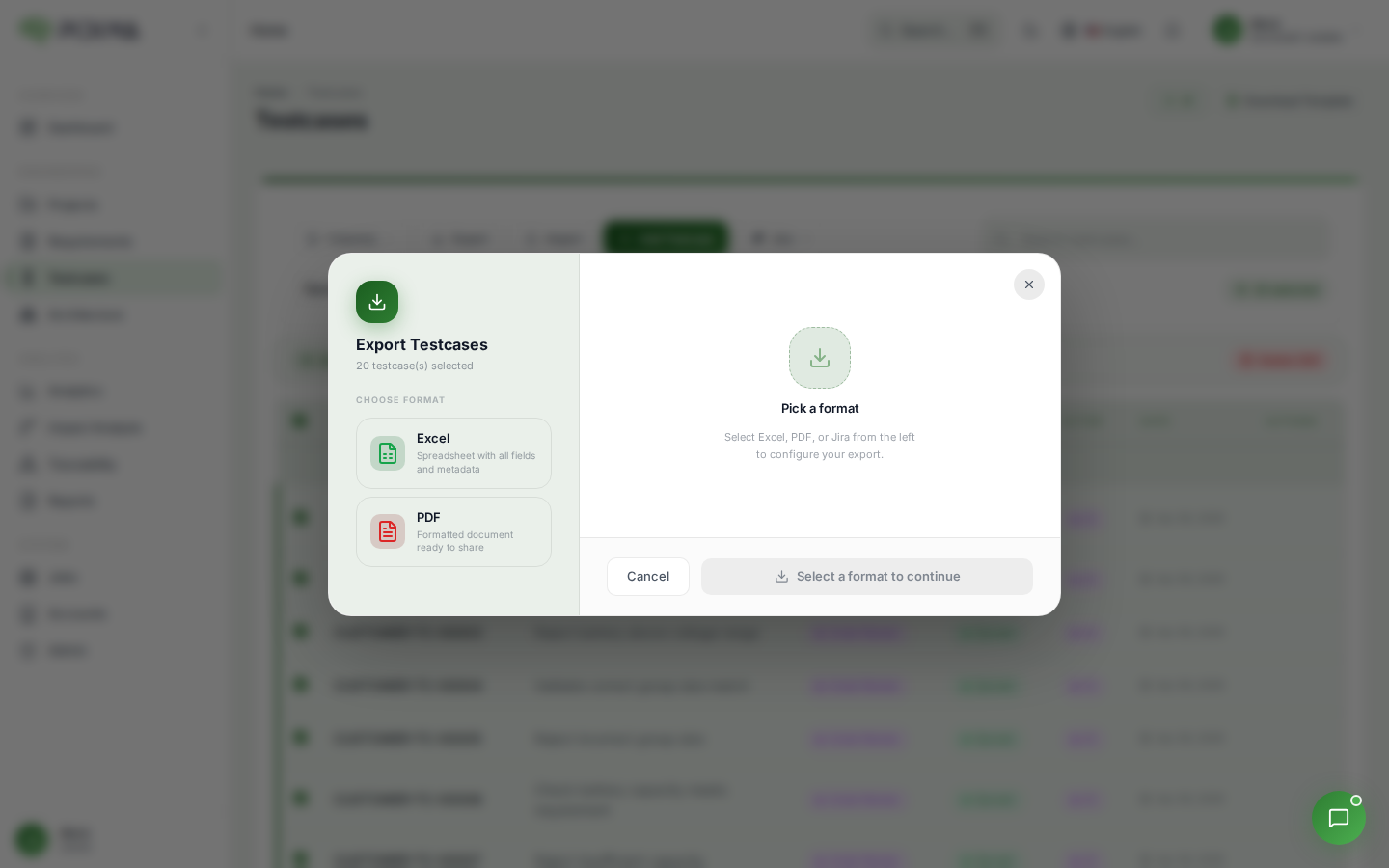
Export Formats
Excel Export (XLSX)
Creates a streamlined, readable spreadsheet with all testcase components in a 5-column layout:
| Column | Content |
|---|---|
| Id | Unique testcase identifier (e.g., TC_DBA_REQ-ALS-006_002) |
| Description | Brief description of what the testcase validates |
| Preconditions | All setup requirements in a single cell |
| Steps | Numbered list of test procedures |
| Outcomes | Consolidated expected results |
Key Features:
- Flattened structure for easy scanning
- Professional formatting with styled headers
- Auto-sized columns for optimal readability
- Excel filtering and sorting capabilities
- Filename includes project prefix and export date
PDF Export
Generates a formal document with detailed formatting for each testcase:
Document Structure:
- Testcase Header: ID and full description prominently displayed
- Preconditions Section: Bullet-pointed setup requirements
- Test Steps Section: Numbered procedural steps
- Expected Outcomes Section: Clear pass/fail criteria
Key Features:
- Professional typography and layout
- Intelligent page breaks to keep related content together
- Print-optimized formatting
- Suitable for compliance documentation and formal reviews
Accessing Export
- Navigate to the Testcases page
- Click the Export dropdown button
- Select your format:
- Excel - Downloads .xlsx file
- PDF - Downloads .pdf file
File Naming
Files follow a consistent pattern: {PROJECT_PREFIX}-testcases-{DATE}.{extension}
Examples:
DBA-testcases-2025-08-13.xlsxDBA-testcases-2025-08-13.pdf
Use Cases
When to Use Excel
- Test execution tracking and bulk updates
- Data analysis and filtering
- Integration with test management tools
- Quick review in spreadsheet format
When to Use PDF
- Formal compliance documentation
- Stakeholder presentations
- Audit trails and version control
- Print documentation for manual testing