Creating Projects
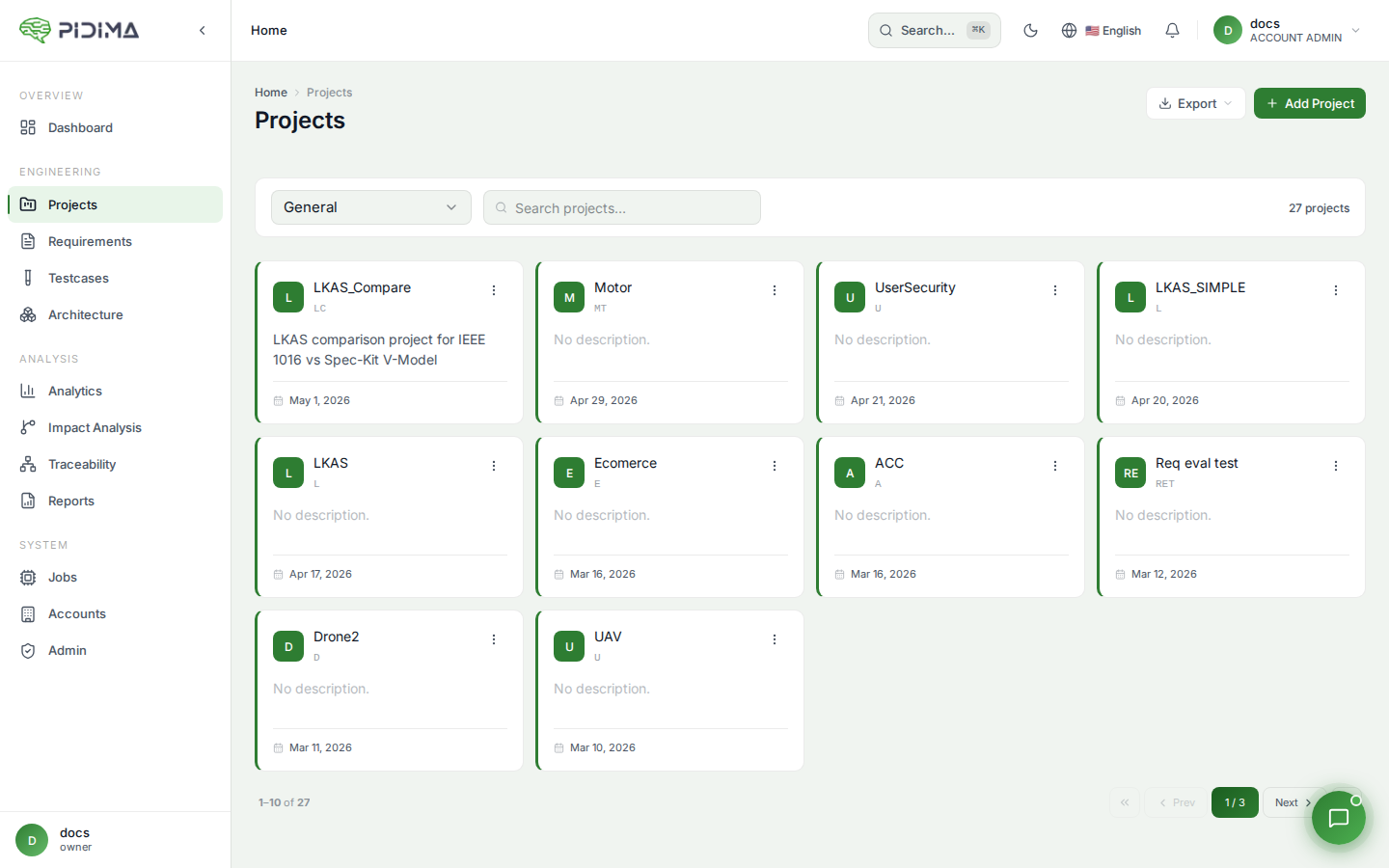
Project Creation Process
- Click "Add New Project" from the Projects page
- Enter project details:
- Project Name: Clear, descriptive name
- Project Prefix: Short identifier code
- Description: Project objectives and scope
- Admin Email: Project administrator's email
- Account: Select the owning account
- Click Submit to create the project