Project Structure
Each project contains three main management areas:
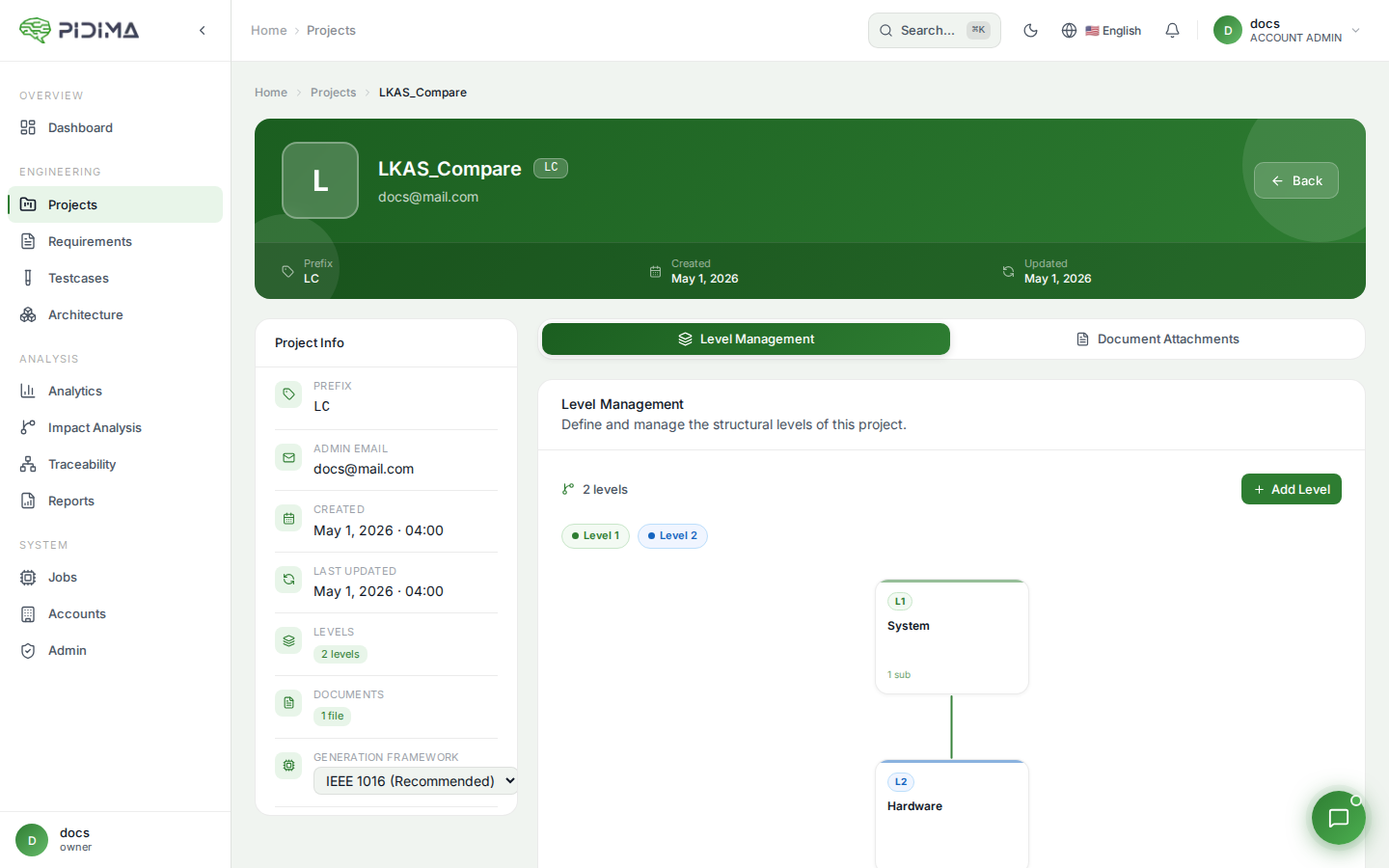
Level Management
Organize your project hierarchy:
- View all project levels in a table format
- Each level shows:
- Level name
- Description
- Created date
- Actions (edit/delete)
Adding Levels
- Click "Add New Level"
- Configure level properties:
- Level Name: Identifier for this level
- Parent Level: Select parent from dropdown (or "Root" for top-level)
- Description: Purpose and details
- Click Submit to create
Level Structure
Visual hierarchy display showing:
- Root levels (top-level items)
- Parent-child relationships
- Nested structure visualization