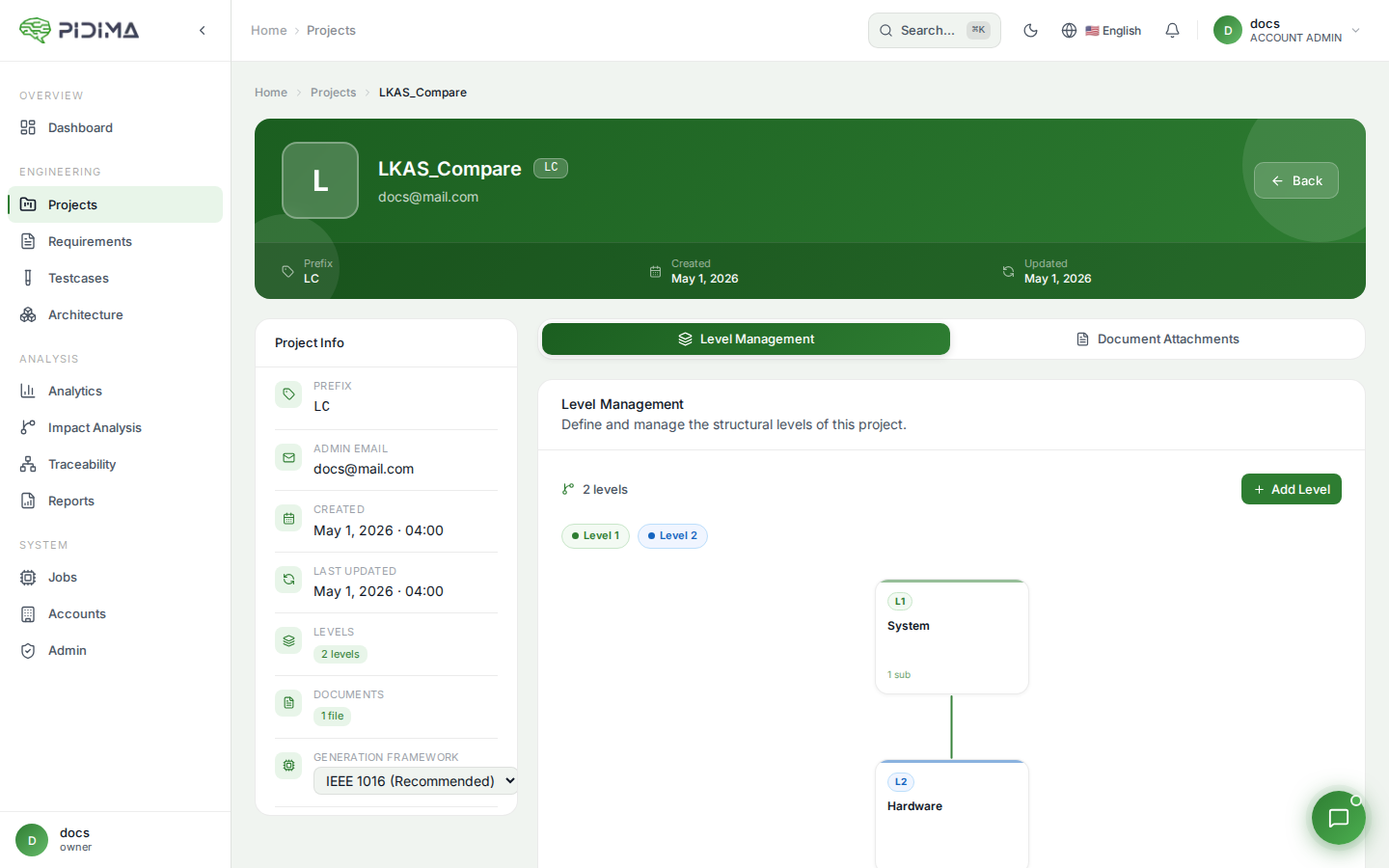
Document Attachments
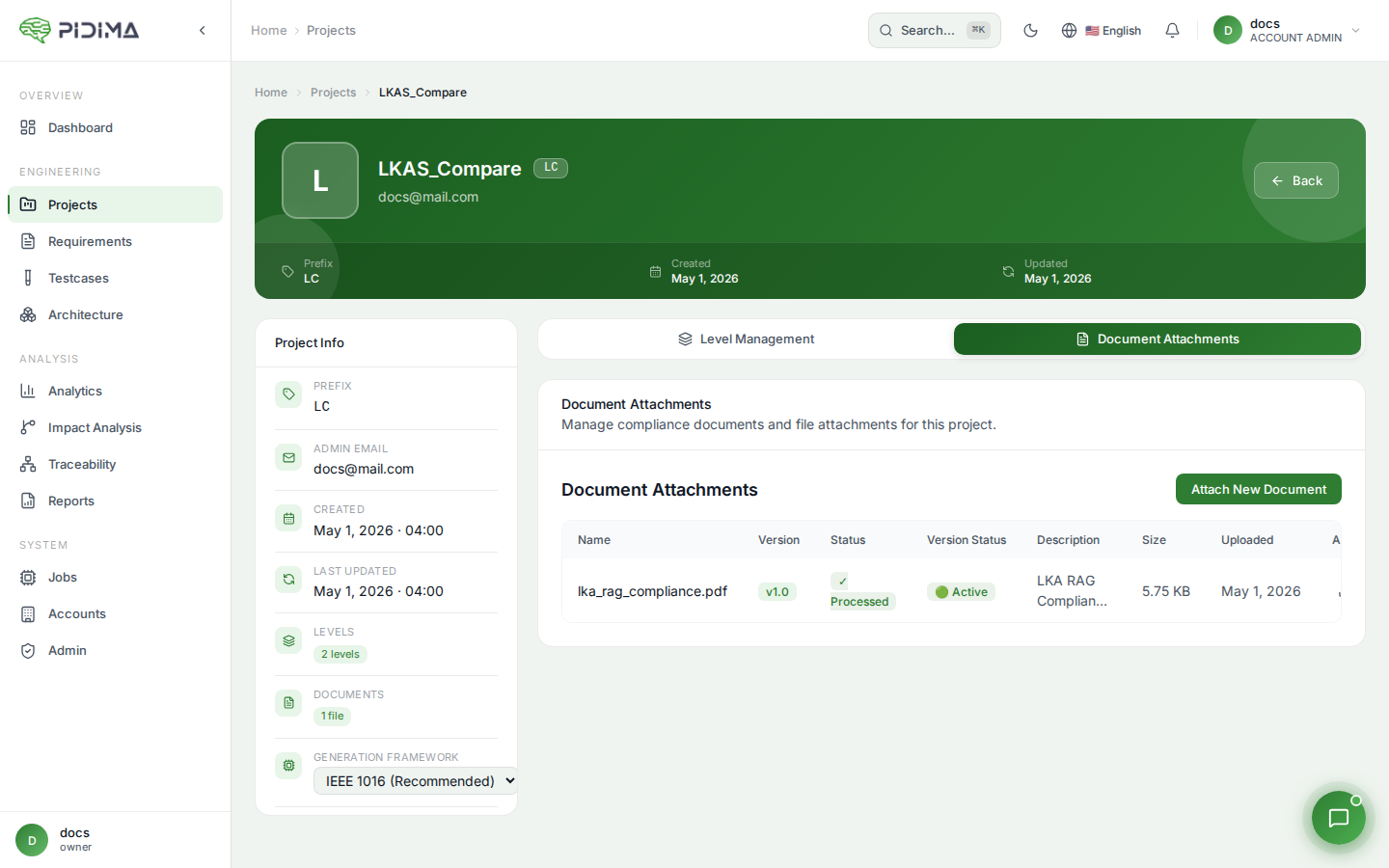
Manage project documentation:
- Name: Document filename
- Description: Document details
- Type: File type/format
- Size: File size
- Uploaded: Upload timestamp
- Actions: Download or delete
Attaching Documents
- Click "Attach New Document"
- Choose file using "Choose File" button
- Add Description for the document
- Click Upload to attach