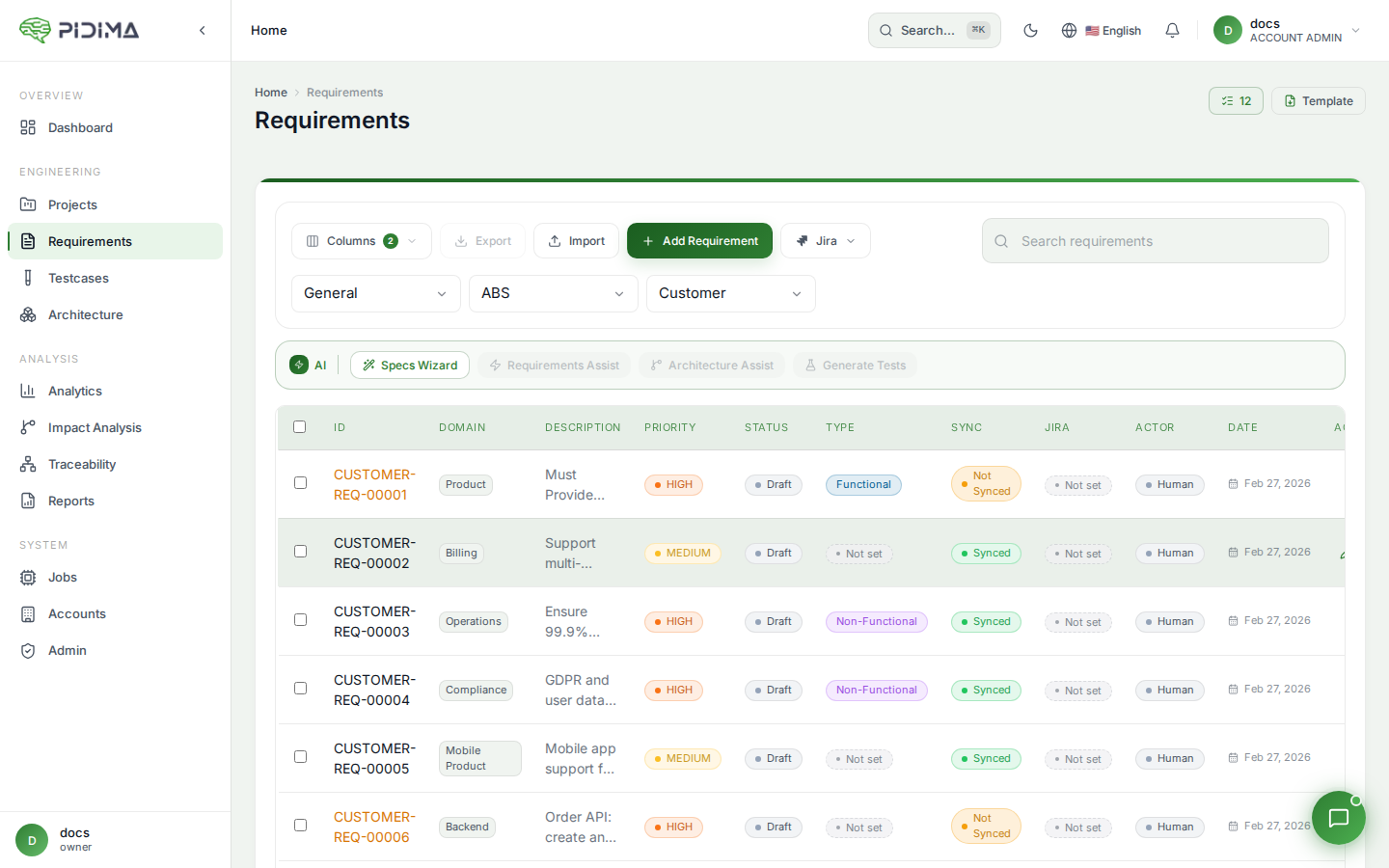
Creating Requirements
Manual Requirement Creation
- Click "Add New Requirement" from the Requirements page
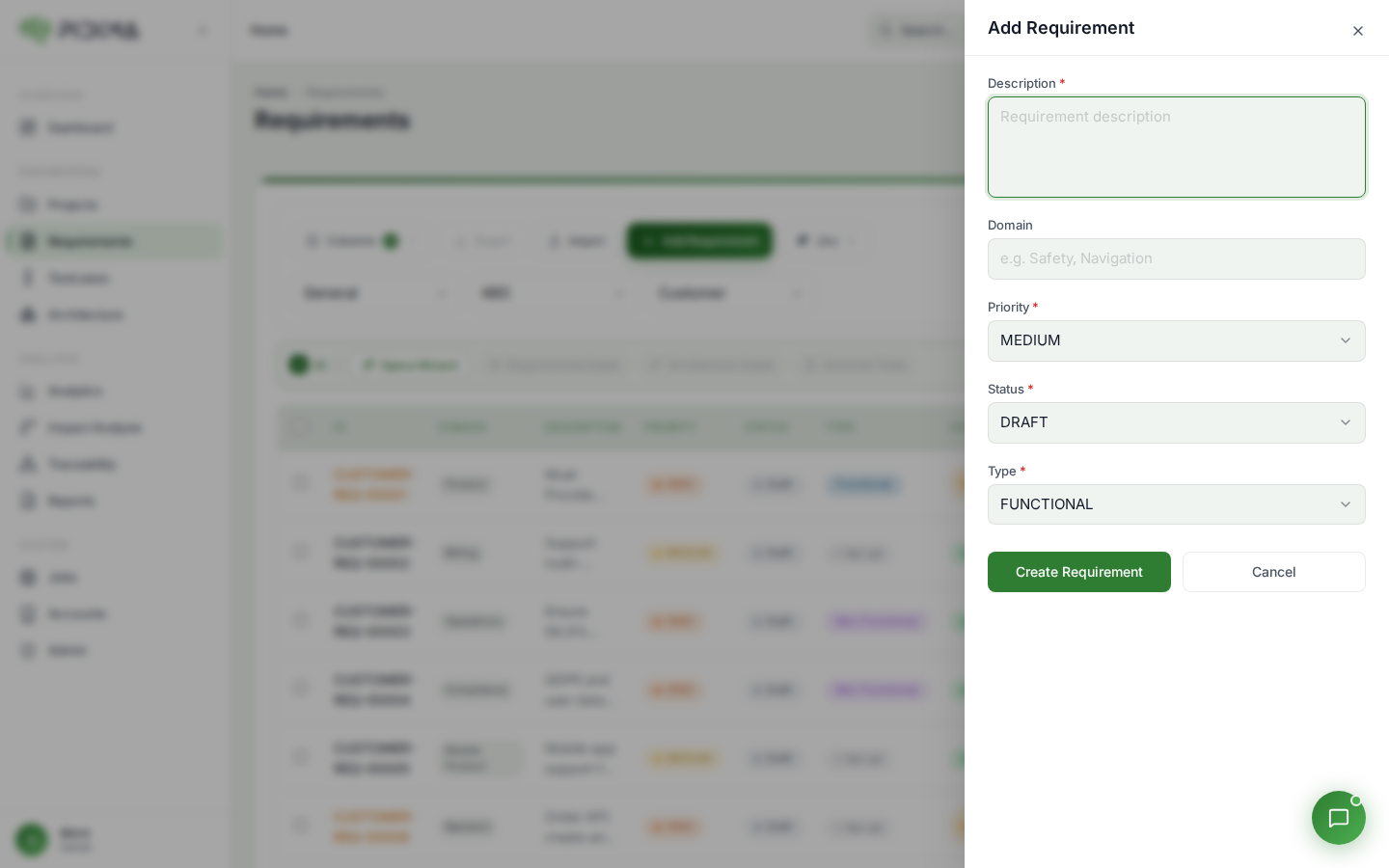
- Fill in the requirement details:
- Description: Detailed requirement statement (required)
- Domain: Functional area or category
- Priority: Select from LOW, MEDIUM, HIGH, or CRITICAL
- Status: Select from DRAFT, ACTIVE, UNDER_REVIEW, APPROVED, or REJECTED
- Type: Choose FUNCTIONAL or NON_FUNCTIONAL
- Click Submit to create the requirement
The system will automatically generate a unique ID in the format: [PROJECT_PREFIX]-[REQ]-[NUMBER]