Requirement Details View
When viewing a specific requirement, you see multiple sections:
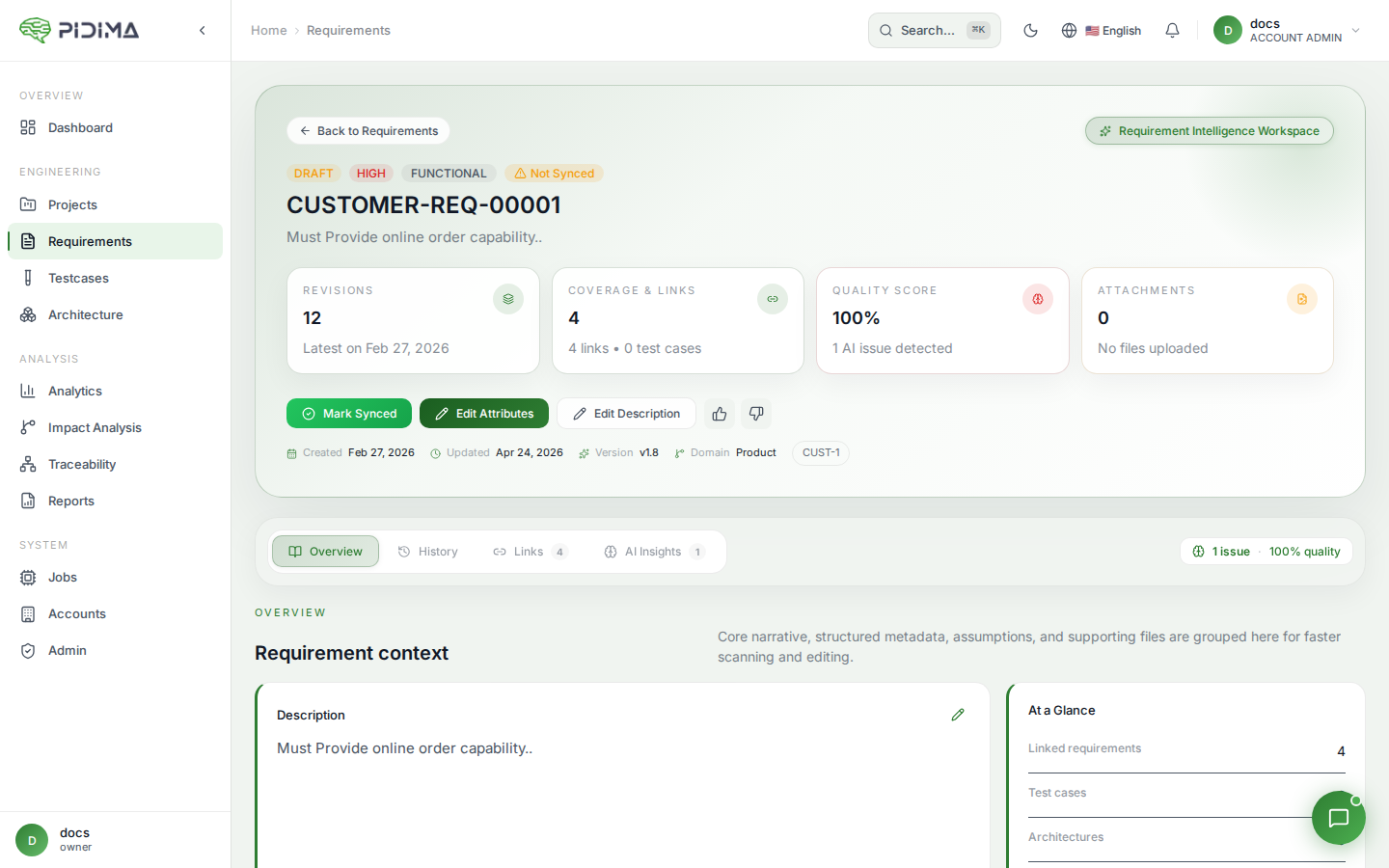
Details Section
- ID: Unique requirement identifier
- Created At: Creation timestamp
- Created By: User who created the requirement
- Updated At: Last modification timestamp
Requirement Information
Displays the requirement's current attributes in a card format:
- Type (Functional/Non-functional)
- Domain
- Status
- Priority
Description
The full requirement description with an edit option
Revisions
Table showing requirement history:
- Type: Always shows requirement type
- Description: Historical versions of the description
- Actions: Edit, delete, or restore previous versions
- Read More: Expand to see full description
Translations
Multi-language translations of the requirement:
- Language: Target language (German, Japanese, Korean, etc.)
- Translation: Translated description
- Actions: Edit, delete, or view translations
- Read More: Expand full translation
Atomic Requirements
If a requirement has been atomized (split into smaller requirements):
- ID: Atomic requirement identifier
- Description: Atomic requirement text
- Actions: Manage atomic requirements
Coverage
Shows associated test cases (if any) with the requirement