Architecture Best Practices
Overview
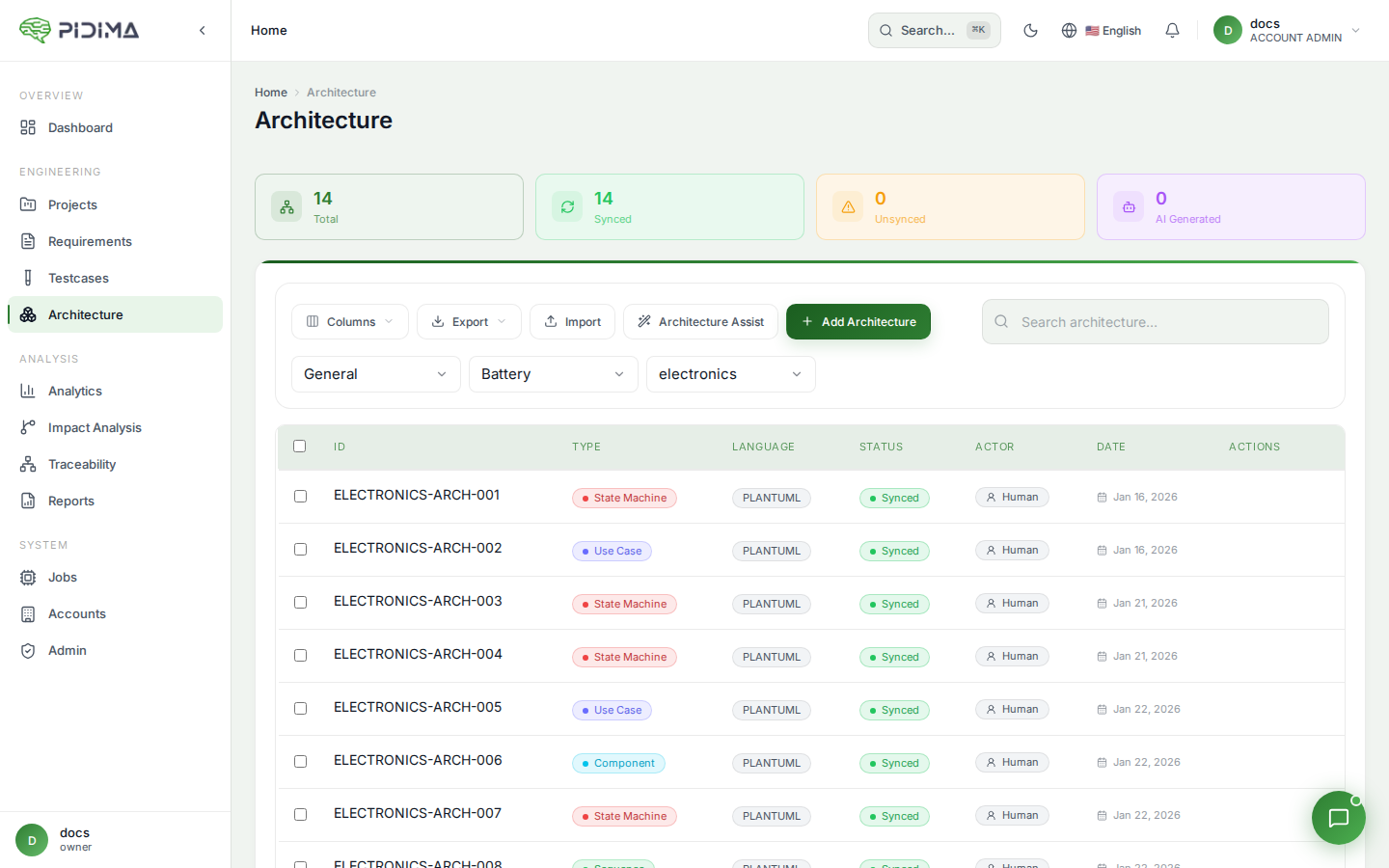
This guide provides best practices for creating, managing, and maintaining architecture diagrams in Pidima. Following these practices will help you create clear, maintainable, and compliance-ready architecture documentation.
Diagram Creation
Choose the Right Diagram Type
Use Case Diagrams
- ✅ For: User interactions, system boundaries, functional requirements
- ❌ Not for: Internal implementation details, data structures
Component Diagrams
- ✅ For: System structure, service relationships, module organization
- ❌ Not for: Detailed logic flows, user interactions
Sequence Diagrams
- ✅ For: Process flows, API interactions, time-ordered events
- ❌ Not for: Static structure, overall system architecture
State Machine Diagrams
- ✅ For: Object lifecycles, status workflows, state transitions
- ❌ Not for: Multiple objects interacting, system structure
Class Diagrams
- ✅ For: Data models, object relationships, entity structures
- ❌ Not for: Runtime behavior, process flows
Keep Diagrams Focused
The 7±2 Rule Human working memory can handle 5-9 items effectively. Keep diagrams in this range:
- Ideal: 5-7 main elements per diagram
- Acceptable: Up to 10-12 elements
- Too complex: 15+ elements (split into multiple diagrams)
Example - Good:
@startuml
' 6 main components - easy to understand
[API Gateway]
[Auth Service]
[User Service]
[Order Service]
[Database]
[Cache]
@enduml
Example - Too Complex:
@startuml
' 20+ components - overwhelming
[API Gateway]
[Auth Service]
[User Service]
[Order Service]
[Product Service]
[Inventory Service]
[Payment Service]
[Shipping Service]
[Notification Service]
[Analytics Service]
' ... and 10 more
@enduml
Solution: Split into multiple focused diagrams:
- "System Context" - High level overview
- "Frontend Services" - User-facing services
- "Backend Services" - Core business logic
- "Data Layer" - Databases and storage
- "Integration Layer" - External systems
Use Consistent Naming
Be Consistent Across Diagrams
✅ Good:
   - Diagram 1: "User Service"
   - Diagram 2: "User Service"
   - Diagram 3: "User Service"

❌ Bad:
   - Diagram 1: "User Service"
   - Diagram 2: "UserService"
   - Diagram 3: "user-service"
   - Diagram 4: "Users API"
Match Your Actual System Use the same names as in your:
- Codebase (service names, class names)
- Infrastructure (deployed service names)
- Documentation (technical specifications)
- Team vocabulary (what everyone calls it)
Naming Conventions:
✅ Good naming:
   - "Authentication Service"
   - "Order Processing Module"
   - "PostgreSQL Database"
   - "Redis Cache"

❌ Vague naming:
   - "Service 1"
   - "The module that does stuff"
   - "DB"
   - "Cache thing"
Add Meaningful Descriptions
Diagram Name
✅ Good: "User Authentication and Session Management Flow"
✅ Good: "Payment Processing Component Architecture"
✅ Good: "Order State Machine with Cancellation Handling"

❌ Bad: "Sequence Diagram 1"
❌ Bad: "Architecture"
❌ Bad: "System Design"
Assumptions Field Document important context:
✅ Good assumptions:
1. All services communicate over HTTPS with mTLS
2. Database uses read replicas for scaling (1 primary, 2 replicas)
3. API Gateway handles rate limiting (1000 req/min per user)
4. Session timeout is 30 minutes
5. System designed for 10,000 concurrent users

❌ Poor assumptions:
1. Things work
2. Database is used
3. It's secure
Organization and Structure
Organize by Hierarchy
Level 1: System Context
- High-level system overview
- External actors and systems
- Major subsystems
- System boundaries
Level 2: Subsystem Architecture
- Subsystem components
- Internal services
- Service interactions
- Data flows
Level 3: Detailed Design
- Detailed sequence flows
- Class structures
- State machines
- API interactions
Example Organization:
Project: Medical Device Software
├── Level 1 - System
│   ├── System Context Diagram
│   └── High-Level Components
├── Level 2 - Software Architecture
│   ├── Frontend Components
│   ├── Backend Services
│   └── Data Architecture
└── Level 3 - Detailed Design
    ├── Authentication Sequence
    ├── Data Processing Flow
    ├── State Machine Diagrams
    └── Class Diagrams
Use Naming Patterns
Recommended Pattern:
[Type]-[Feature/Component]-[Perspective]

Examples:
- "UC-UserAuth-Login" (Use Case, User Authentication, Login)
- "Comp-PaymentSystem-Overview" (Component, Payment System, Overview)
- "Seq-Checkout-HappyPath" (Sequence, Checkout, Happy Path)
- "Seq-Checkout-ErrorHandling" (Sequence, Checkout, Error Handling)
- "State-Order-Lifecycle" (State, Order, Lifecycle)
- "Class-UserManagement-DataModel" (Class, User Management, Data Model)
Benefits:
- Easy to find related diagrams
- Clear purpose from name alone
- Natural grouping in lists
- Searchable by type or feature
Create Diagram Sets
Pattern: Multiple views of same feature
For complex features, create a set of complementary diagrams:
Example: Payment Processing
- UC-Payment-Overview (Use Case) - User perspective
- Comp-Payment-Services (Component) - Service structure
- Seq-Payment-Success (Sequence) - Successful payment flow
- Seq-Payment-Failure (Sequence) - Error handling
- State-Payment-Lifecycle (State) - Payment states
- Class-Payment-DataModel (Class) - Payment entities
Benefits:
- Comprehensive documentation
- Different stakeholder views
- Complete understanding
- Traceability across perspectives
PlantUML Code Quality
Format for Readability
Use whitespace and comments:
@startuml
' ========================================
' User Authentication Flow
' ========================================

' Define actors
actor User
actor Admin

' Define system components
participant "Web App" as Web
participant "API Gateway" as API
participant "Auth Service" as Auth
database "User Database" as DB

' ========================================
' Main authentication flow
' ========================================
User -> Web: Enter credentials
Web -> API: POST /auth/login
API -> Auth: Validate credentials
Auth -> DB: Query user
DB --> Auth: User data
Auth --> API: JWT token
API --> Web: Success response
Web --> User: Redirect to dashboard

@enduml
Use Skinparam for Consistency
Create a standard style:
@startuml
' Standard Pidima diagram styling
skinparam backgroundColor #FFFFFF
skinparam shadowing false
skinparam ArrowColor #2C3E50
skinparam ArrowThickness 2
skinparam componentStyle rectangle
skinparam rectangle {
  BackgroundColor #ECF0F1
  BorderColor #34495E
  FontColor #2C3E50
}

' Your diagram content
[API Gateway] --> [Auth Service]
@enduml
Benefits:
- Professional appearance
- Brand consistency
- Improved readability
- Easier maintenance
Avoid Common Pitfalls
❌ Overcomplicated Diagrams
' TOO COMPLEX - 30+ elements with intricate relationships
@startuml
[Component1] --> [Component2]
[Component2] --> [Component3]
[Component3] --> [Component4]
' ... 25 more components ...
@enduml
✅ Split into focused diagrams
' GOOD - Focused frontend layer
@startuml
package "Frontend Layer" {
  [Web App]
  [Mobile App]
  [Admin Portal]
}
[Web App] --> [API Gateway]
[Mobile App] --> [API Gateway]
[Admin Portal] --> [API Gateway]
@enduml

' Separate diagram for backend
@startuml
package "Backend Layer" {
  [API Gateway]
  [Auth Service]
  [Business Service]
}
' ...
@enduml
❌ Inconsistent Naming
@startuml
[User Service] --> [order-service]
[order-service] --> [paymentAPI]
[paymentAPI] --> [Shipping_Module]
@enduml
✅ Consistent Naming
@startuml
[User Service] --> [Order Service]
[Order Service] --> [Payment Service]
[Payment Service] --> [Shipping Service]
@enduml
Traceability Practices
Link Immediately
Best Practice: Link diagrams to requirements as you create them
Workflow:
- Create or generate diagram
- Immediately link to relevant requirements
- Verify links are correct
- Document link rationale in assumptions
Why:
- Context is fresh
- Prevents orphaned diagrams
- Maintains compliance
- Easier than bulk linking later
Link Appropriately
✅ Good linking:
Requirement: "User shall authenticate with username and password"
Linked to:
- Sequence diagram showing authentication flow
- Component diagram showing auth service
- State machine showing session states

Requirement: "System shall use PostgreSQL database"
Linked to:
- Component diagram showing database in architecture
- Class diagram showing data model
❌ Over-linking:
Requirement: "User shall authenticate with username and password"
Linked to:
- Every diagram in the system (30+ diagrams)
- Diagrams that barely mention authentication
- Completely unrelated diagrams
Maintain Link Quality
Regular reviews:
- Weekly: Review diagrams created this week
- Monthly: Audit traceability coverage
- Quarterly: Deep review of all links
- Before audits: Comprehensive verification
Quality checks:
- ✅ All requirements have architecture representation
- ✅ All diagrams are linked to requirements
- ✅ Links are still relevant after changes
- ✅ No circular or redundant linking
Team Collaboration
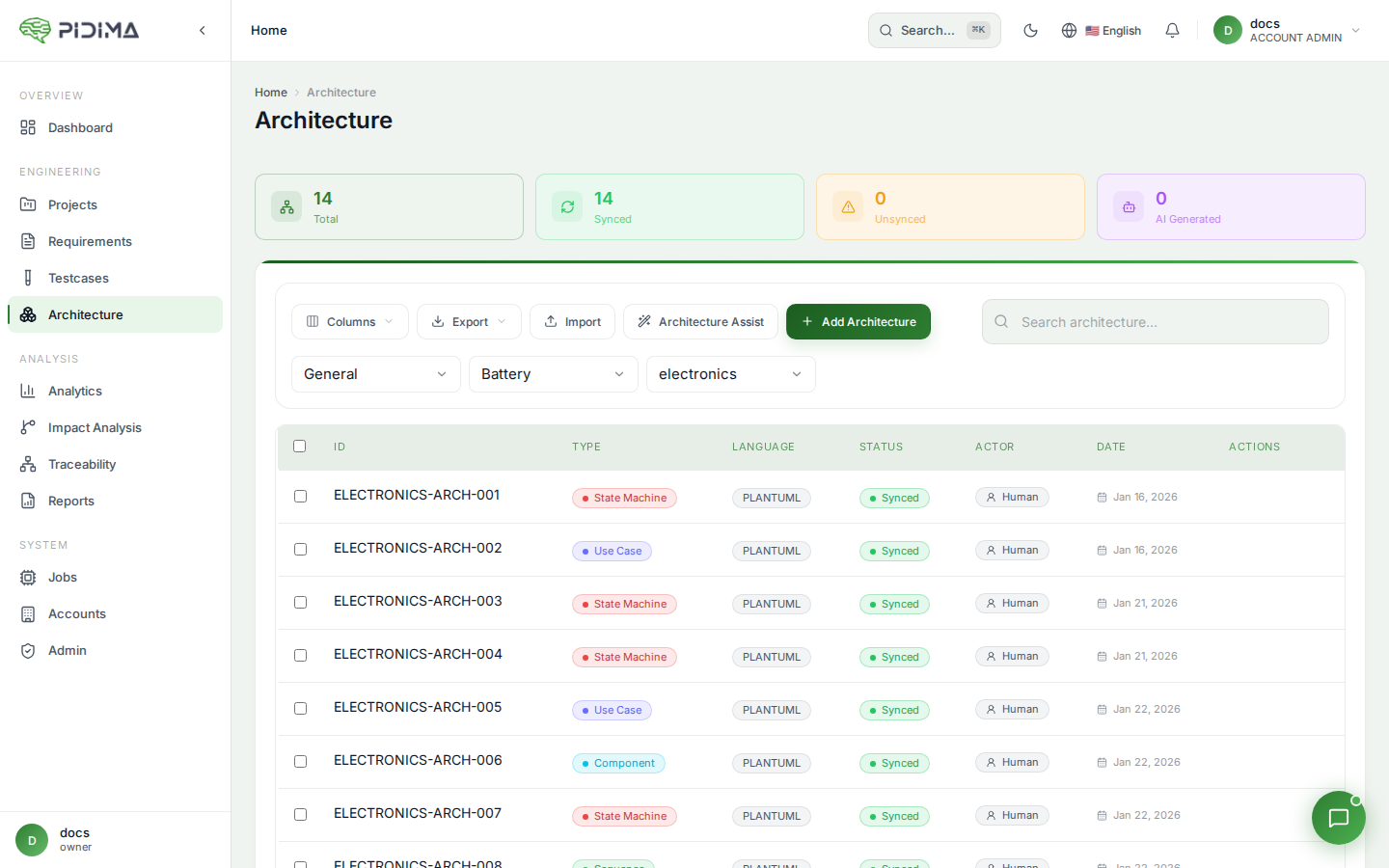
Establish Standards
Create a team guide:
# Architecture Diagram Standards
## Naming Convention
[Type]-[Feature]-[Aspect]
## Diagram Types to Use
- Use Case: User interactions
- Component: Service structure
- Sequence: Process flows
- State: Lifecycle management
- Class: Data models
## Styling
- Use standard skinparam (see template)
- Background: white
- Font: Default
- Colors: Company brand colors
## Required Fields
- Descriptive name
- At least 1 assumption
- Linked to min. 1 requirement
## Review Process
- Self-review before save
- Peer review for Level 1-2 diagrams
- Architect review for major changes
Code Review Architecture
Review checklist:
- ☐ Diagram name is descriptive
- ☐ Appropriate diagram type chosen
- ☐ Elements are clearly labeled
- ☐ Relationships are accurate
- ☐ Not too complex (< 10 elements)
- ☐ Linked to requirements
- ☐ Assumptions documented
- ☐ PlantUML code is clean
- ☐ Follows team standards
- ☐ Renders correctly
Version Control Mindset
Track changes:
- Document why diagram changed
- Link to requirements that drove change
- Note what was updated
- Keep audit trail
Example change log:
v1: Initial architecture based on REQ-001 to REQ-005
v2: Added error handling flow per REQ-023
v3: Updated component names to match deployed services
v4: Simplified per architecture review feedback
Compliance and Audits
Audit Readiness
Before an audit:
-
Run coverage reports
- Requirements without architecture
- Orphaned diagrams
- Coverage by requirement type
-
Fix gaps
- Create missing diagrams
- Link orphaned diagrams
- Remove obsolete diagrams
-
Verify traceability
- Check bidirectional links
- Ensure accuracy
- Document rationale
-
Prepare exports
- Generate traceability matrices
- Export diagrams as PDFs
- Create summary reports
Documentation for Auditors
Include in audit package:
-
Traceability Matrix
- Requirements to Architecture
- Architecture to Test Cases
- Coverage metrics
-
Architecture Catalog
- List of all diagrams
- Diagram types and purposes
- Links to requirements
-
Methodology Document
- How architecture is created
- Review and approval process
- Maintenance procedures
- Traceability management
-
Change Log
- Architecture changes
- Reason for changes
- Requirements driving changes
Common Audit Questions
Q: How do you ensure architecture implements requirements? A: We maintain traceability links in Pidima. Each requirement is linked to architecture diagrams showing implementation. We run monthly coverage reports to identify gaps.
Q: How do you handle architecture changes? A: All changes are tracked with rationale documented in assumptions. Updated diagrams are linked to requirements that drove the change. Version history maintained.
Q: Can you show complete traceability? A: Yes, we export traceability matrices from Pidima showing: Requirements → Architecture → Tests. Coverage reports show 95%+ traceability coverage.
Maintenance
Keep Diagrams Current
Update triggers:
- Requirement changes
- System changes
- Architecture decisions
- Team feedback
- Audit findings
Update process:
- Identify affected diagrams
- Update PlantUML code
- Regenerate image
- Update assumptions
- Verify links still accurate
- Document change
Regular Reviews
Weekly: New diagrams
- Quick review of this week's diagrams
- Verify links created
- Check naming and standards
Monthly: Coverage check
- Run coverage reports
- Identify gaps
- Plan diagram creation
Quarterly: Deep review
- Audit all diagrams
- Remove obsolete diagrams
- Update outdated diagrams
- Verify traceability accuracy
Annually: Architecture refresh
- Major review of all architecture
- Update to reflect current system
- Archive old versions
- Train new team members
Archive Obsolete Diagrams
Don't delete - archive:
- Export diagram before deleting
- Save to archive folder (outside Pidima)
- Document why archived
- Keep for historical reference
When to archive:
- Feature no longer exists
- Architecture completely changed
- Diagram replaced by newer version
- System decommissioned
Tips for Success
Start Simple
Phase 1: High-level diagrams
- System context
- Major components
- Key flows
Phase 2: Subsystem detail
- Service architecture
- Data flows
- Integration points
Phase 3: Detailed design
- Sequence diagrams
- Class diagrams
- State machines
Don't try to create everything at once!
Use AI Wisely
AI is great for:
- ✅ Initial diagram drafts
- ✅ Boilerplate structure
- ✅ Discovering relationships
- ✅ Saving time on tedious work
Human review needed for:
- ⚠️ Accuracy verification
- ⚠️ Naming consistency
- ⚠️ Completeness check
- ⚠️ Compliance validation
Workflow:
- Generate with AI
- Review carefully
- Refine and adjust
- Verify traceability
- Document assumptions
Learn PlantUML
Resources:
Practice:
- Start with simple diagrams
- Study examples
- Experiment with styling
- Build a personal library of templates
Build a Template Library
Create reusable templates:
Template: API Sequence
@startuml
' API Interaction Template
actor Client
participant "API Gateway" as Gateway
participant "Service" as Service
database Database

Client -> Gateway: Request
Gateway -> Service: Forward request
Service -> Database: Query
Database --> Service: Data
Service --> Gateway: Response
Gateway --> Client: Response
@enduml
Template: Microservices Component
@startuml
' Microservices Architecture Template
package "Frontend" {
  [Web App]
}
package "Backend" {
  [API Gateway]
  [Service A]
  [Service B]
}
database "Data Layer" {
  [Database]
  [Cache]
}

[Web App] --> [API Gateway]
[API Gateway] --> [Service A]
[API Gateway] --> [Service B]
[Service A] --> [Database]
[Service B] --> [Cache]
@enduml