IEEE 1016 Architecture Generation
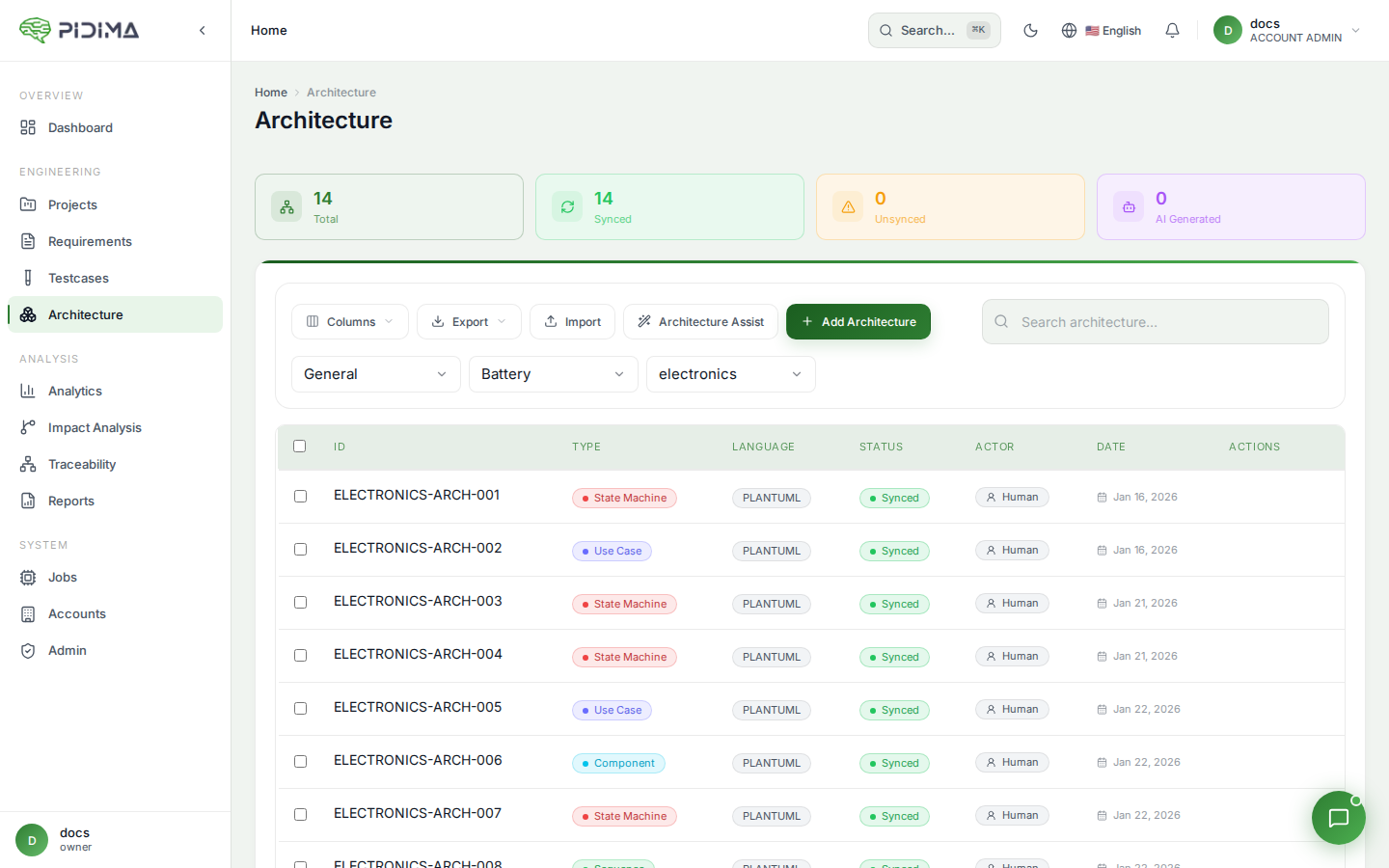
Pidima supports IEEE 1016-2009 (Software Design Descriptions) as a built-in design standard for generating structured architecture diagrams directly from your requirements' module groups.
Overview
When a project uses the IEEE 1016 generation framework, requirements can be tagged with a moduleGroup and a viewSource classification. Pidima then generates architecture diagrams organized by these module groups — producing design views that align with the IEEE 1016 standard's viewpoint catalog.
Setting Up IEEE 1016 Mode
Project Configuration
- Navigate to your project settings
- Set the Generation Framework to
IEEE_1016 - Save the project
When IEEE 1016 mode is active, the Requirement Intelligence wizard automatically tags generated requirements with:
- viewSource — The IEEE 1016 design view the requirement belongs to (e.g., Decomposition, Dependency, Interface, Data Design)
- moduleGroup — The logical module or component the requirement relates to
Design Standards
Pidima auto-seeds the IEEE 1016-2009 standard as a built-in design standard for your account. You can view it under your account's design standards. Additional custom design standards can be uploaded as PDF files.
View Source Classifications
Each requirement in IEEE 1016 mode is classified into one of the following design views:
| View Source | Description |
|---|---|
| DECOMPOSITION | How the system is broken into components and sub-components |
| DEPENDENCY | Relationships and dependencies between components |
| INTERFACE | External and internal interfaces between modules |
| DATA_DESIGN | Data structures, schemas, and data flow |
| DIRECT | Direct design decisions not fitting other categories |
| UNCLASSIFIED | Requirements not yet classified into a view |
Generating Architecture from Module Groups
Once requirements are tagged with module groups (either manually or via the Requirement Intelligence wizard), you can generate architecture diagrams:
- Navigate to the Architecture page for your project
- Click Generate from Modules
- Select the level containing the module-grouped requirements
- Pidima groups requirements by their
moduleGroupfield - For each module group, the AI generates a PlantUML architecture diagram that:
- Represents the module's components and their relationships
- Incorporates the requirements' descriptions as design constraints
- Uses the
viewSourceclassification to determine the appropriate diagram type - Links generated architecture items back to their source requirements
Diagram Types by View
The AI selects the appropriate PlantUML diagram type based on the view source:
- Decomposition → Component diagrams showing hierarchical breakdown
- Dependency → Package/dependency diagrams showing inter-module relationships
- Interface → Class or interface diagrams showing API contracts
- Data Design → Entity-relationship or class diagrams showing data structures
Workflow
A typical IEEE 1016 workflow in Pidima:
- Upload compliance documents — Upload your IEEE 1016 standard and any project-specific design guidelines
- Run Requirement Intelligence — Use the wizard with IEEE 1016 framework selected; requirements are auto-tagged with
viewSourceandmoduleGroup - Review module assignments — Verify the AI's module group and view source classifications on the requirements list (filter by module group)
- Generate architecture — Use "Generate from Modules" to produce architecture diagrams per module
- Refine diagrams — Edit the generated PlantUML code or regenerate individual diagrams
- Trace — Architecture items are automatically linked to their source requirements for full traceability
Filtering by Module Group
On the requirements list page, you can filter by moduleGroup to see all requirements belonging to a specific module. This is useful for:
- Reviewing all requirements that will feed into a single architecture diagram
- Verifying module assignments before generation
- Identifying requirements that haven't been assigned to a module yet
Best Practices
- Use Requirement Intelligence — Let the AI wizard assign module groups and view sources automatically for consistency
- Review before generating — Check module assignments before generating architecture to ensure logical grouping
- Iterate — Regenerate individual module diagrams after refining requirements
- Maintain traceability — The auto-linking between generated architecture and source requirements provides audit-ready traceability
- Combine with compliance — Run Compliance Intelligence against the IEEE 1016 standard to verify your design documentation meets the standard's requirements