AI Quality Assurance
Pidima's AI features include multiple quality assurance layers that ensure generated content is accurate, well-formatted, and maintains consistency with your project's existing artifacts.
Quality Measures
Retry Logic
All AI operations include automatic retry mechanisms:
- JSON parsing retries — If the AI returns malformed JSON, Pidima retries with adjusted prompts to get valid structured output
- Timeout retries — Long-running AI calls that time out are automatically retried
- Rate limit handling — When the LLM provider rate-limits requests, Pidima queues and retries with exponential backoff
Output Validation
Every AI-generated artifact is validated before being saved:
- Format compliance — Generated requirements, test cases, and architecture items must match Pidima's expected schema
- Field completeness — Required fields (name, description) must be present and non-empty
- Reference integrity — Links to existing artifacts are verified before being created
Context Preservation
The AI maintains awareness of your project's structure:
- Requirement hierarchy — Generated child requirements respect the parent's scope and constraints
- Domain constraints — AI-generated content respects configured domains and level restrictions
- Naming conventions — Generated IDs follow the project's established naming patterns (e.g.,
REQ-001,TC_PROJECT_001)
Traceability Maintenance
All AI operations preserve and create traceability links:
- Generated test cases are automatically linked to their source requirements
- Generated requirements maintain parent-child relationships
- Architecture diagrams link back to the requirements they were generated from
- Compliance analysis results reference specific document chunks with page numbers
Auto-Correction
Several AI features include post-processing correction layers:
Compliance Intelligence
The compliance analysis includes an auto-correction step that cross-checks the AI's status classification against its explanation text, catching and correcting misclassifications (see Compliance Intelligence for details).
Impact Analysis
Change classification includes a confidence threshold — only changes classified as non-impacting with ≥80% confidence skip the full analysis. Borderline cases always trigger the full recursive traversal.
Requirement Generation
Generated requirements are validated against the project's domain list using fuzzy matching, ensuring domain assignments are valid even when the AI uses slightly different terminology.
Error Handling
When AI features encounter issues, Pidima provides clear, actionable feedback:
- LLM unavailable — Clear message indicating the AI service is temporarily unavailable, with automatic retry
- Context too large — If the input exceeds the model's context window, Pidima automatically chunks the input and processes in batches
- Invalid output — If the AI produces unparseable output after retries, the specific failure is reported with guidance on how to proceed (e.g., simplify the input, try again)
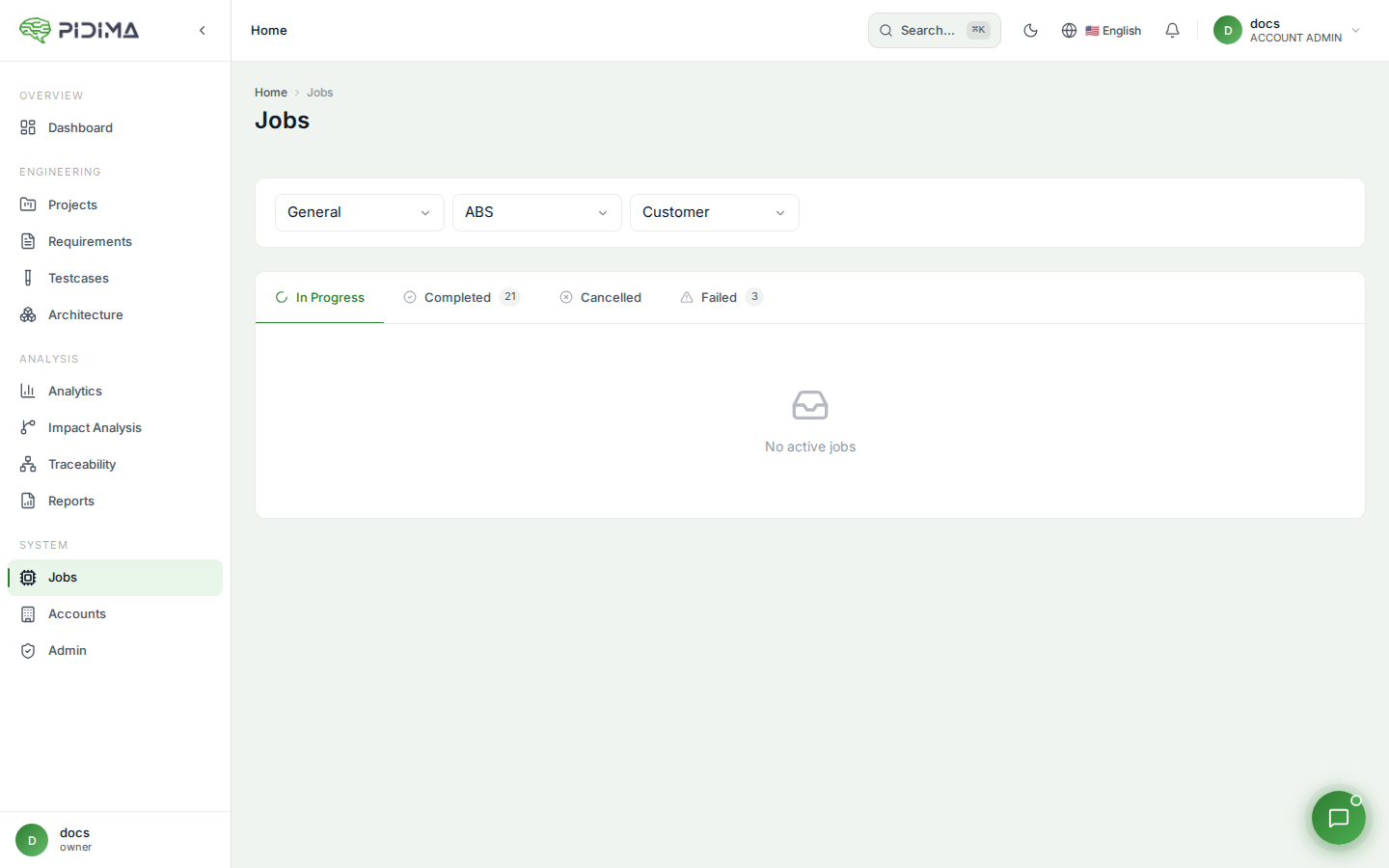
- Partial success — For bulk operations, successfully processed items are saved even if some items fail; the job report shows which items succeeded and which need attention
Feedback & Rating System
Pidima includes a feedback system to continuously improve AI quality:
- Thumbs up/down — Rate individual AI outputs to signal quality
- Detailed ratings — Score AI outputs on specific quality dimensions (relevance, accuracy, completeness)
- Rating questions — Configurable rating criteria per AI feature type
Feedback data is used to identify patterns in AI performance and guide prompt improvements.
LLM Provider Configuration
Pidima supports multiple LLM providers. Configure your preferred provider under Organization Settings → LLM Configuration:
- Ollama — Self-hosted models for maximum privacy
- OpenAI — GPT models via API key
- Azure OpenAI — Enterprise Azure-hosted models
- Custom endpoints — Any OpenAI-compatible API
Each provider can be configured with credentials and activated/deactivated as needed. See LLM Model Configuration for setup details.
Best Practices
- Monitor job results — Check async job outcomes for any partial failures
- Provide feedback — Use the rating system to flag poor AI outputs; this helps improve future results
- Start with smaller batches — When using a new AI feature for the first time, test with a small set before running on your entire project
- Keep documents updated — AI quality depends on the context documents you provide; keep them current
- Review before applying — All AI suggestions should be reviewed by domain experts before being applied to production artifacts