Compliance Intelligence
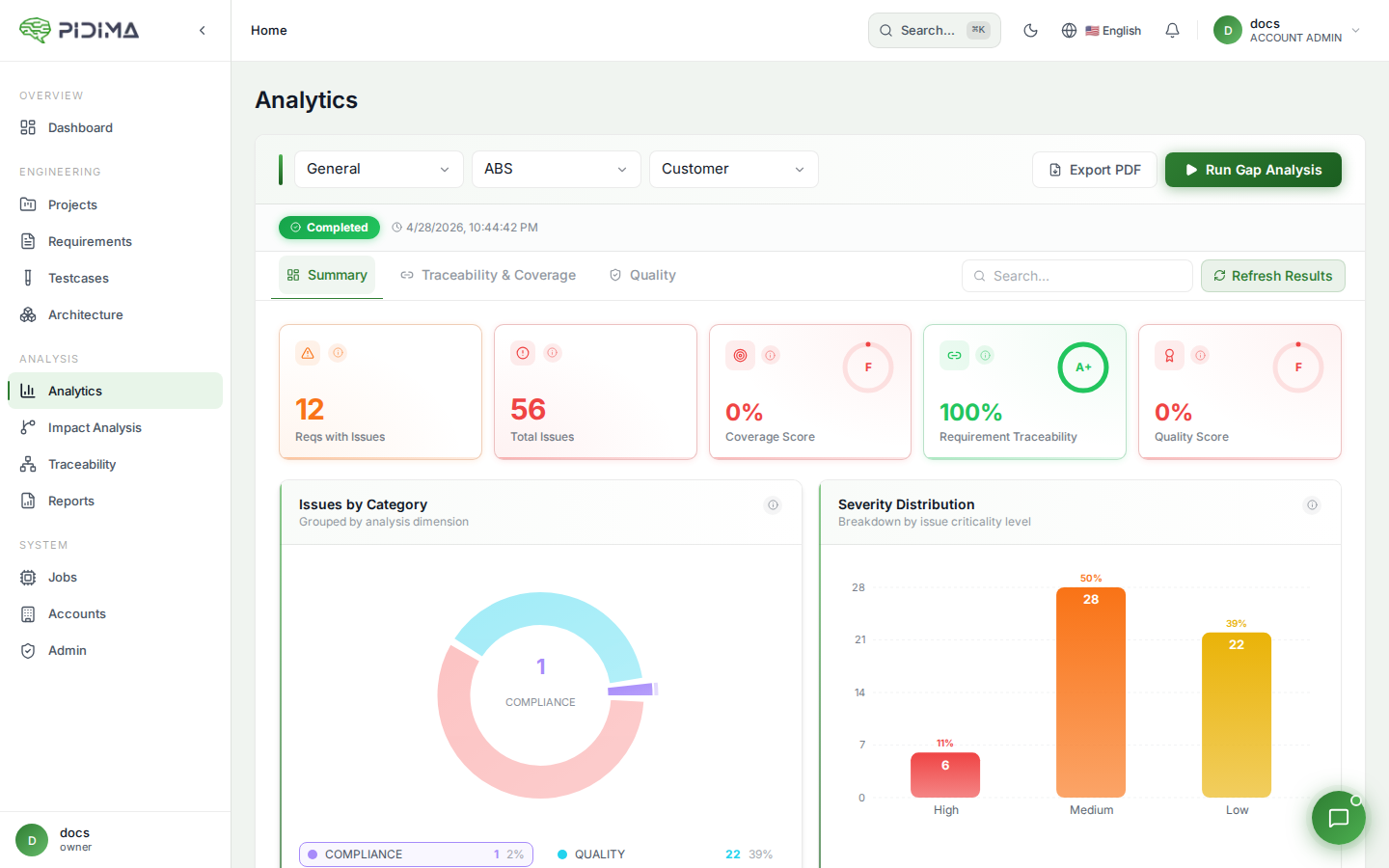
Compliance Intelligence is Pidima's AI-powered regulatory compliance checker. It analyzes your requirements against uploaded regulation documents to detect conflicts and verify compliance — then generates AI suggestions to resolve any issues.
Overview
Compliance Intelligence uses RAG (Retrieval-Augmented Generation) to semantically search your regulation documents for clauses relevant to each requirement, then uses AI to evaluate compatibility. The result is a per-requirement compliance status with detailed explanations and actionable resolution suggestions.
Running a Compliance Analysis
- Navigate to a requirement's detail page or select multiple requirements from the requirements list
- Click Analyze Compliance
- Select the regulation documents to check against from the document dropdown
- Click Start Analysis
The analysis runs asynchronously — you can monitor progress via the jobs panel. Requirements are processed in parallel (up to 5 concurrent threads) for faster results.
Bulk Analysis
You can analyze multiple requirements at once:
- Individual selection — Select requirements via checkboxes
- Select All — Analyze all requirements in the current level
- Bulk selection — Use the bulk selection dropdown to select by filter criteria
Each requirement is analyzed independently against the selected documents. The job tracks progress as "Analyzing requirement X of Y".
How It Works
For each requirement, Pidima executes the following pipeline:
1. Semantic Search
The requirement's name and description are combined into a search query. Pidima performs hybrid search (semantic + keyword) across the selected regulation documents to find the top 50 most relevant document chunks.
The search uses a similarity threshold of 0.0 (very permissive) to ensure no potentially relevant clauses are missed.
2. Batch Analysis
Relevant chunks are sorted by similarity score (highest first) and processed in batches of 5 for efficient LLM processing. For each batch, the AI receives:
- The requirement name and description
- The clause texts with document name, chapter, section, and page references
3. Compatibility Classification
The AI classifies each clause into one of two statuses:
| Status | Meaning |
|---|---|
| Compliant | The requirement is consistent with the regulation clause — no conflict detected |
| Contradicting | The requirement conflicts with the regulation clause — action needed |
4. Auto-Correction
A reconciliation layer cross-checks the AI's status against the explanation text to catch and correct misclassifications:
- If the AI says CONTRADICTING but the explanation clearly indicates compliance (e.g., "does not conflict", "complies with"), the status is corrected to COMPLIANT
- If the AI says COMPLIANT but the explanation clearly indicates a contradiction (e.g., "contradicts", "violates", "does not comply"), the status is corrected to CONTRADICTING
- Negated patterns are handled (e.g., "does not conflict" is recognized as compliant, not contradicting)
- Omission patterns (e.g., "does not address", "not mentioned") are treated as compliant, not contradicting
5. Results Storage
For each requirement, a compliance run is created with all clause issues. If no relevant chunks are found above the threshold, the requirement is marked as compliant with no issues.
Viewing Results
On a requirement's detail page, the compliance section shows:
- Latest Run Status — COMPLETED, IN_PROGRESS, or FAILED
- Clause Issues — Each relevant regulation clause with:
- Compatibility Status — Compliant or Contradicting badge
- Analysis Explanation — AI-generated reasoning for the classification
- Chapter Reference — The chapter/section in the regulation document
- Clause Text — The relevant text from the regulation document
- Document Name — Which regulation document the clause came from
- Page Number — The page in the source document
- Section — The section header (if available)
Resolving Compliance Issues
For contradicting clauses, you can generate an AI resolution:
Step 1: Select Clauses
Select one or more contradicting clause issues to resolve together. Selecting multiple related clauses produces a more coherent resolution that addresses all conflicts simultaneously.
Step 2: Generate Resolution
Click Resolve with AI. Pidima generates a suggested updated requirement description that:
- Resolves the selected conflicts — The new description is designed to be compatible with the selected contradicting clauses
- Maintains compatibility with all other clauses — The AI receives all clauses from the same run (not just the selected ones) to ensure the resolution doesn't introduce new conflicts
- Preserves the requirement's original intent — The AI tries to keep the requirement's core meaning while adjusting it for compliance
- Includes assumptions — Any trade-offs or assumptions made during resolution are documented as structured assumption records
- Validates the result — The AI performs a self-validation check. If it can't generate a conflict-free suggestion, it reports that no valid suggestion was found.
Step 3: Apply the Suggestion
After reviewing the AI suggestion, click Apply to:
- Save a revision — The current description is saved to version history (forceRevision)
- Update the description — The requirement description is replaced with the AI suggestion
- Append assumptions — Any AI-generated assumptions are added to the requirement's assumption list with timestamps
- Bump the version — A major version increment is applied
- Optionally trigger Impact Analysis — Check the "Run Impact Analysis" option to automatically propagate the change to linked artifacts via Impact Analysis
- Automatic re-analysis — Pidima automatically re-runs compliance analysis on the updated requirement against the same documents to verify the resolution worked
The re-analysis runs in the background. When it completes, the compliance section on the requirement detail page updates to show the new results.
Integration with Other Features
Compliance Intelligence integrates deeply with other Pidima features:
Gap Analysis
The Compliance Check option in Gap Analysis uses Compliance Intelligence under the hood. When you enable compliance checking in a gap analysis run and select regulation documents, each requirement in the level is analyzed using the same pipeline described above. Results appear both in the gap analysis dashboard and on individual requirement detail pages.
Requirement Intelligence
After generating requirements with the Requirement Intelligence wizard, Compliance Intelligence automatically runs to validate all generated requirements against the compliance documents. This ensures AI-generated requirements are consistent with the regulations they were derived from.
Impact Analysis
When applying a compliance suggestion, you can trigger Impact Analysis to propagate the change. This is especially important when the compliance fix changes the requirement's meaning — impact analysis will identify which test cases, child requirements, and architecture items need updating.
Best Practices
- Structure your documents well — Upload regulation documents with clear chapter/section structure for more accurate clause matching and better chapter references in results
- Run early — Run compliance analysis early in the requirements lifecycle to catch conflicts before they propagate to test cases and architecture
- Review explanations — The AI provides detailed reasoning for each classification. Read the explanations to understand why a clause was flagged.
- Resolve related clauses together — When multiple clauses from the same regulation conflict with a requirement, select them all for a single resolution to get a coherent fix
- Enable impact analysis on apply — When the compliance fix changes the requirement's meaning, always enable "Run Impact Analysis" to propagate the change
- Verify with re-analysis — After applying a suggestion, check the automatically re-run compliance results to confirm all conflicts are resolved
- Cross-reference — Use the chapter and page references to cross-check AI findings against the original regulation documents
- Iterate — If the first resolution doesn't fully resolve all conflicts, you can run another resolve cycle on the remaining contradicting clauses