Best Practices for AI Features
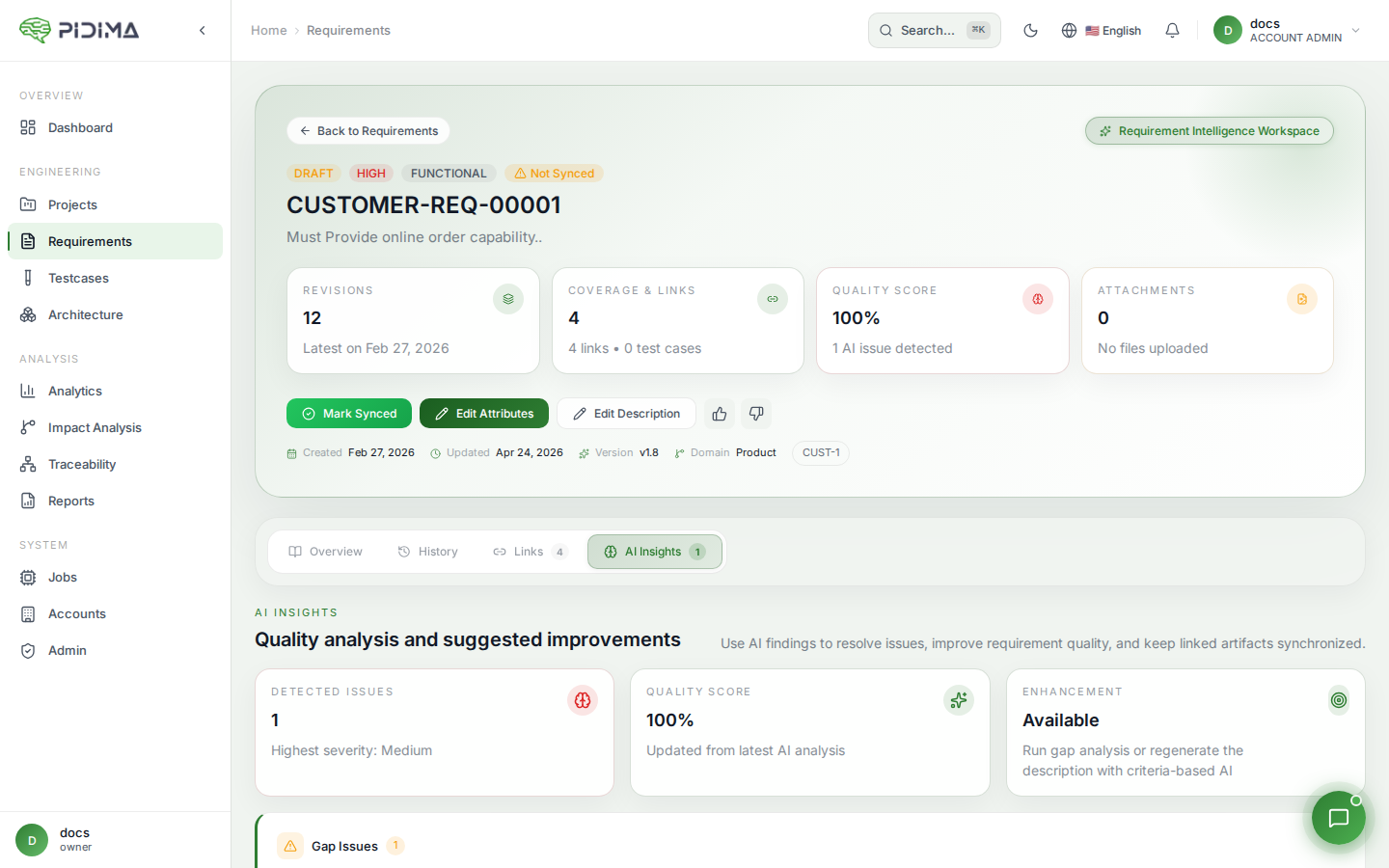
A guide to getting the most out of Pidima's AI-powered capabilities across all features.
When to Use Each Feature
Requirements Assist — Autofill
- After bulk importing requirements from spreadsheets or Jira
- When requirements lack domain/type/priority assignments
- For consistency across large requirement sets
Requirements Assist — Enhance
- Vague or ambiguous requirements
- Requirements lacking testable criteria
- Non-compliant requirement formats
Requirements Assist — Make Atomic
- Requirements with multiple "and" statements
- Complex requirements covering multiple functions
- Requirements that are difficult to test completely
Requirements Assist — Enhance with Prompt
- Industry-specific formatting needs
- Custom compliance requirements
- Specialized technical language requirements
Requirement Intelligence (Specs Wizard)
- Creating an initial requirement set from compliance/specification documents
- Populating a new project level from scratch
- Deriving requirements from standards (e.g., ISO, IEC, IEEE)
Requirement Analysis
- Evaluating requirement quality against writing standards
- Detecting conflicts between requirements before design phase
- Finding and eliminating duplicate requirements after imports
Generate Tests
- After requirements are reviewed and approved
- When updating test coverage for changed requirements
- For regression test planning
Compliance Intelligence
- Before milestone reviews to verify regulatory compliance
- After generating requirements to validate against source regulations
- When regulations are updated and existing requirements need re-validation
Gap Analysis
- After completing a requirements phase to assess coverage
- Before audits to identify traceability gaps
- Periodically to monitor project health metrics
Impact Analysis
- After editing a requirement's description
- When applying compliance suggestions that change requirement meaning
- Before releasing to understand the scope of a change
AI Architecture Generation
- After requirements are stable for a level
- When you need visual documentation of system structure
- For IEEE 1016 compliance (use module-based generation)
AI Traceability Suggestions
- After creating test cases to find missing links
- When requirements and test cases exist but aren't linked
- To verify completeness of manual linking
Tips for Better Results
1. Provide Context
Upload relevant specification and compliance documents before using AI features. The AI uses these documents via RAG to produce more accurate, domain-specific outputs.
2. Fill Out Templates Thoroughly
For Requirement Intelligence, the template questionnaire directly influences output quality. More specific answers produce more relevant requirements.
3. Review All AI Outputs
AI suggestions should always be reviewed by domain experts. Use the "Under Review" status for generated artifacts and establish a review workflow.
4. Work Iteratively
- Run multiple passes for complex transformations
- Generate → Review → Refine → Re-generate if needed
- Use feedback (thumbs up/down) to signal quality
5. Batch Similar Items
Process related requirements together for consistency. The sliding window approach in test generation works best when related requirements are in the same batch.
6. Use Custom Prompts
Leverage "Enhance with Prompt" for organization-specific needs:
- Specific formatting standards
- Domain terminology requirements
- Compliance language patterns
7. Combine Features in Sequence
The most effective workflow chains multiple AI features:
- Requirement Intelligence → Generate initial requirements from documents
- Compliance Intelligence → Validate against regulations
- Requirement Analysis → Check quality and detect conflicts
- Generate Tests → Create test cases for approved requirements
- Gap Analysis → Verify coverage and traceability
- Impact Analysis → Manage ongoing changes
8. Keep Documents Current
AI quality depends on your uploaded documents. When regulations or specifications are updated:
- Upload new document versions
- Re-run Compliance Intelligence against updated documents
- Use Impact Analysis to propagate changes
9. Start Small, Scale Up
When using a new AI feature for the first time:
- Test with 3-5 requirements to understand the output quality
- Adjust your approach based on results
- Then scale to larger batches
10. Monitor Async Jobs
Most AI operations run asynchronously. Check the jobs panel for:
- Completion status
- Partial failures (some items succeeded, others didn't)
- Error messages that indicate how to fix issues